ADVERTISEMENT

Review: Kawai VPC1 – MIDI Keyboard with Wooden Keys

  • The Kawai VPC1 Virtual Piano Controller is a USB MIDI keyboard designed for playing software pianos.
  • For an authentic playing experience, the Kawai VPC1 features wooden keys with Ivory Touch keytops as well as a high-quality hammer action.
  • Customizable touch curves allow you to individually adjust the touch sensitivity to any piano VST.
kawai-vpc1-virtual-piano-controller
(Image Source: Kawai)
ADVERTISEMENT

Playing piano with a random MIDI controller? Not the greatest experience… If you want to enjoy the sound characteristics of a piano VST, you should choose a high-quality keyboard. As a USB MIDI keyboard with wooden keys, Ivory Touch, and a high-quality hammer action, there is no alternative to the Kawai VPC1.

ADVERTISEMENT
ADVERTISEMENT
In my opinion, it is the best MIDI keyboard out there.

- Christoph Spendel, Jazz Pianist

Software pianos and piano VSTs, often many gigabytes in size, take into account more than just the finest nuances of sound. The high resolution of touch-based dynamics makes playing an extremely enjoyable experience. While ordinary keyboard controllers may be sufficient for playing a simple accompaniment into the sequencer, you cannot expect an authentic piano feeling here.To get an authentic piano feel when playing a piano VST, you need a decent keyboard. Don’t cut corners here!

What is a Virtual Piano Controller?

Since it already allows you to perfectly play software instruments like Piano VSTs, any good digital piano would theoretically be a suitable controller. Accordingly, other Kawai instruments are worth mentioning in this context, especially since the Kawai VPC1 even benefits from certain features of the Kawai CA and MP series.

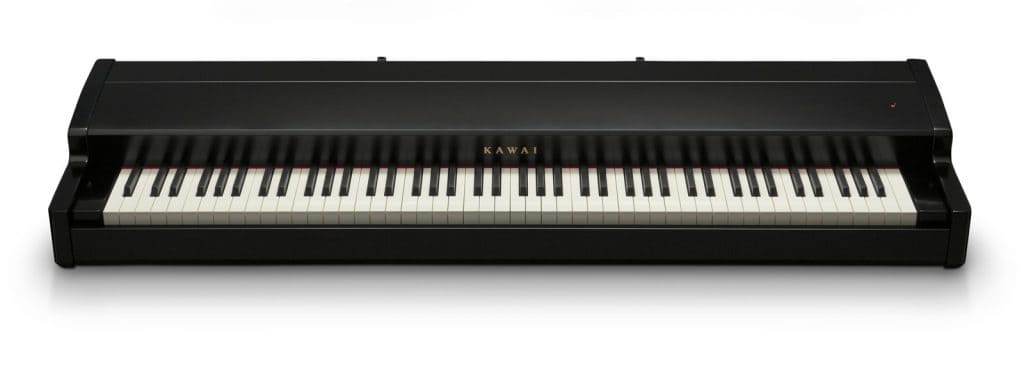
However, a keyboard controller is still the best match for a recording studio. But not to worry, the Kawai VPC1 with its classic piano design also fits perfectly in your living room. Add a laptop with the right piano VST, and you have a digital piano—well, almost, as you still need speakers.

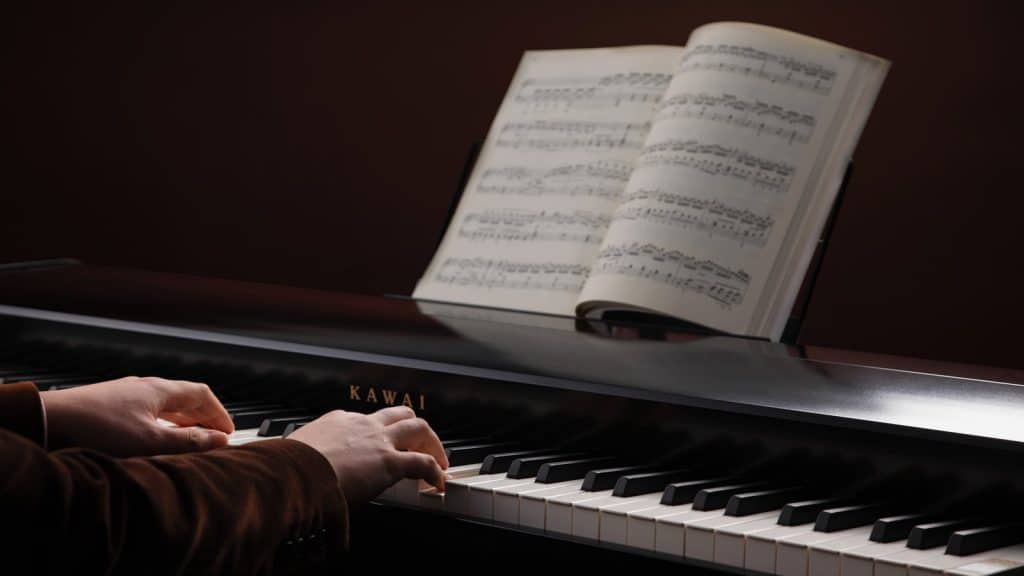
kawai-vpc1-piano-design
With its classic piano design, the Kawai VPC1 brings glamour to any home recording studio - and looks great in your living room, too.

Good to know: Unlike digital pianos and stage pianos, the Kawai VPC1 does not have a built-in sound generation. Instead, it is a pure keyboard controller designed for playing piano in combination with a DAW. And this is exactly where it offers significant advantages.

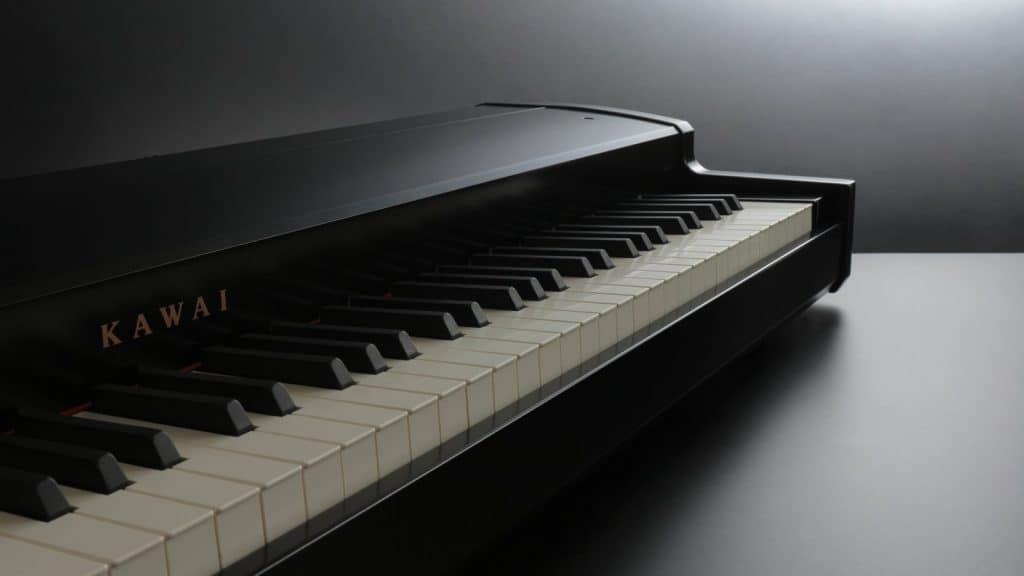
Upscale MIDI Keyboard with Wooden Keys and Hammer Action

Unlike most MIDI keyboard controllers, which have lots of buttons, wheels, trigger pads, faders, and knobs, the Kawai VPC1 has none of those features. In that respect, its features are sparse. However, the VPC1 has something no other USB MIDI controller can offer: the RM3 Grand II with real wooden keys, ivory-like key tops, and high-quality hammer action.

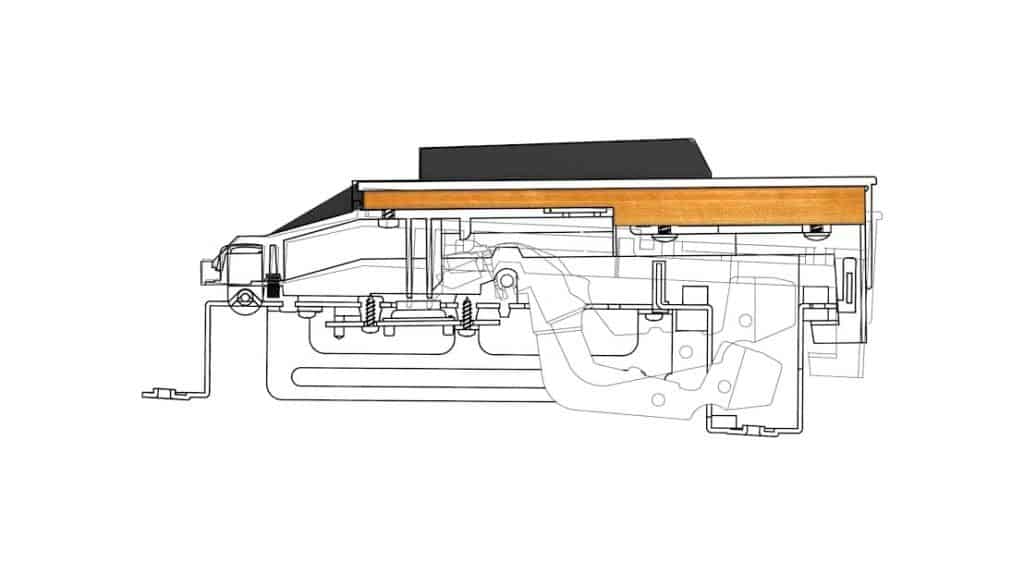
Kawai RM3 Grand II Hammer Action Keyboard
A model of the RM3 Grand II hammer action keyboard. 1. Triple sensor 2. Let-off mechanism 3. Weighted hammers 4. Balance pins 5. Wooden key 6. Counterweight 7. Ivory Touch key surface (Image Source: Kawai)

Just like on a real grand piano, when you depress a key on the Kawai VPC1, the other end of the key moves upward. This action in turn propels the hammers up. From triggering the hammers to the let-off simulation and the striking of the hammerheads, you have very precise control over the key travel. Moreover, a triple sensor captures every nuance of the hammer action.

Kawai VPC1 – Custom Touch Curves

The Kawai VPC1 is extremely flexible when it comes to adjusting the touch sensitivity. You can choose between several touch curves by holding down the power button and pressing one of the upper keys. Using the Editor, you can specify exactly which touch curves are saved as presets.

Several touch curves for popular software pianos are available as factory presets. As even the software manufacturers have approved of these, you can be sure that your software instruments will play optimally. The Kawai VPC1 supports Synthogy Ivory II, Modartt Pianoteq, Galaxy Pianos, and Native Instruments Alicia’s Keys.

VPC Editor Software

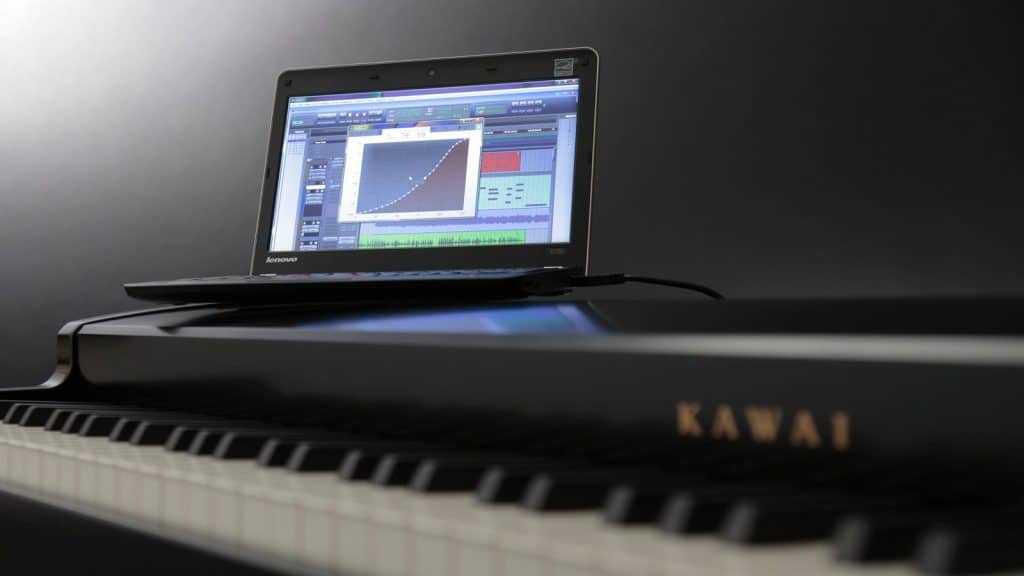
In addition to the standard touch curves, you can also define the touch sensitivity yourself. One way to achieve this is to edit a touch curve graphically in the Editor. Alternatively, play a little on the keyboard while using the Learn function, and the Editor will turn it into a touch curve that you can refine in the graphic Editor. It could hardly be any easier.

Plug and Play

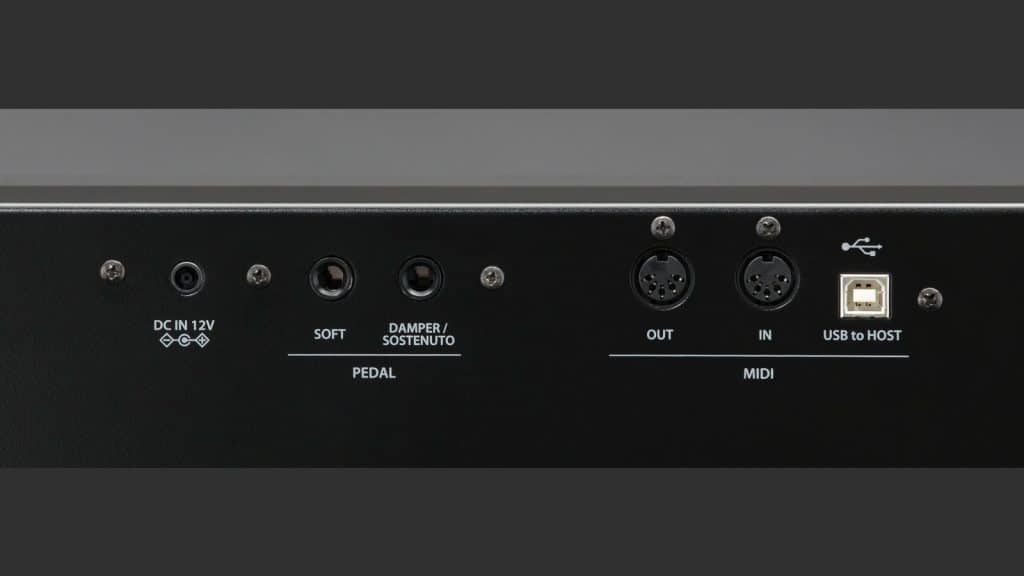
This is of course the main feature of the Kawai VPC1: you install a piano VST in your DAW and can play straight away. All you have to do is assign the VPC1 as a controller in the program settings. This is a standard procedure for any DAW you’ll only need to do once. Also, no special USB driver is required. Instead, you simply use a standard USB cable to connect the controller to your computer, which also powers it.

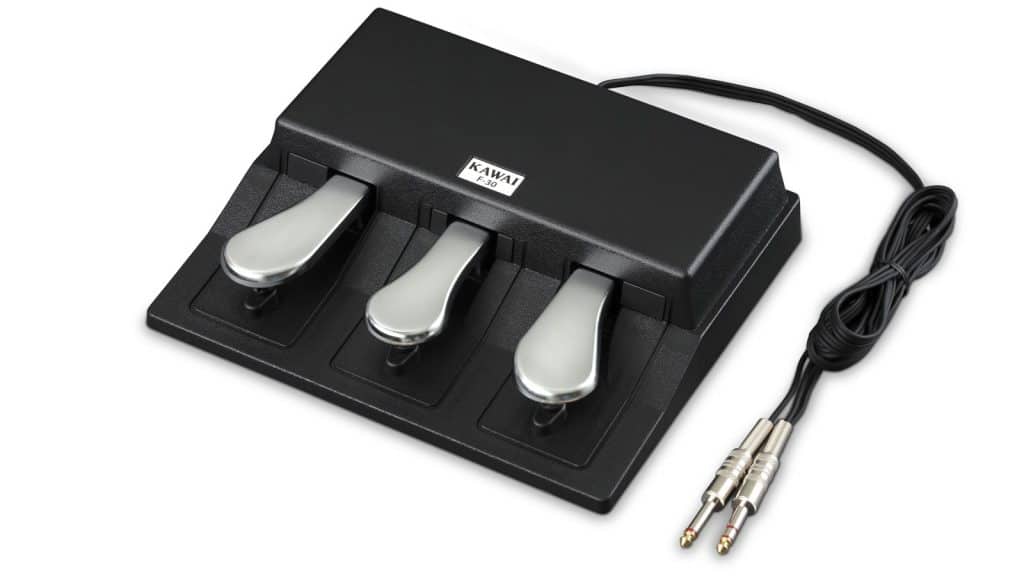
One more thing: Playing the piano requires pedals as well as keys. These come in the form of the F-30 triple pedal unit, which is designed as a continuous controller and supports the half-pedal function as well as dynamic control of the damper noise. By default, the pedals are set to Sustain, Sostenuto, and Soft pedals, but you can assign other pedal functions using the Editor.

An Alternative to the Kawai VPC1?

The Kawai VPC1 has been on the market for a while and has successfully filled its niche. After all, a piano controller with a high-quality keyboard is not a mass-produced item. However, other manufacturers also offer MIDI keyboards with piano keys. The Studiologic SL88 Grand advertises wooden keys and costs around $900. Let’s take a closer look. The Fatar TP40/WOOD keyboard’s construction is similar to that of conventional stage piano keyboards. This allows for the SL88 Grand’s more compact design—at least the keys have a wooden core.

keyboard-model-studiologic-sl88-grand
Model of the Studiologic SL88 Grand's Fatar TP40/WOOD keyboard. (Image Source: Studiologic/Fatar)

There is no doubt that the SL88 Grand is great to play. In terms of mechanics and software, however, it is not nearly as consistently focused on piano qualities as the Kawai VPC1.

Conclusion: The Best Keys for Software Pianos

The Kawai VPC1 is a simple USB MIDI controller designed for playing piano on a music computer. Not only is it easy to use, but it also offers maximum flexibility thanks to the Editor software (Mac/PC). You can play with an excellent piano touch thanks to the wooden keys and high-quality hammer action of the RM3 Grand II keyboard. The Kawai VPC1 makes playing piano VSTs a real pleasure.To sum it up, no other MIDI keyboard can compete with it.

Kawai VPC1  Front

Kawai VPC1 Virtual Piano Controller – Overview

Release date: February 2013
Keyboard: 88 wooden keys, weighted hammer action, Ivory Touch
Compatibility: VPC Editor for Mac/PC
Special features: Customizable touch curves for popular software pianos as factory presets
Manufacturer: Kawai

Kawai VPC1 Demo

You are currently viewing a placeholder content from YouTube. To access the actual content, click the button below. Please note that doing so will share data with third-party providers.

More Information

Jörg Sunderkötter

VPC1 :   1.298,00 €

TO THE OFFER

VPC1 :   1.298,00 €

TO THE OFFER
ADVERTISEMENT

Galaxy Instruments · Kawai · Masterkeyboard · Modartt · Native Instruments · Piano software · Piano-VST · Software instrument · Synthogy · Wooden keys

Review

ADVERTISEMENT

Related Articles